
codenameJess
Portfolio
About me:
My name is Jess and I am a level 6 Games Design student at Bournemouth University, specialising in gameplay design, Unity and Unreal Engine development, and technical implementation.I enjoy taking ideas from initial concepts through to playable experiences, combining creative design and practical development skills. My work spans from gameplay programming, level design, 3D modelling, and collaborative game production.Currently seeking opportunities in game design and gameplay development.
| Software | Experience |
|---|---|
| Unity | 4 - Proficient |
| C# | 3 - Competent |
| Unreal Engine | 3 - Competent |
| Maya | 3 - Competent |
| GitHub | 3 - Competent |
| Illustrator | 3 - Competent |
| Photoshop | 2 - Basic |
Project Showcase

Team Challenge: All Hands on Wreck
Game design - Unity - Branding
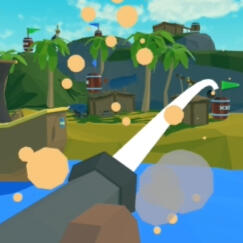
Game Development: 3D Shooter
Game design - Unity - Programming

Character Modelling: Amity Blight
3D modelling - Maya - Topology
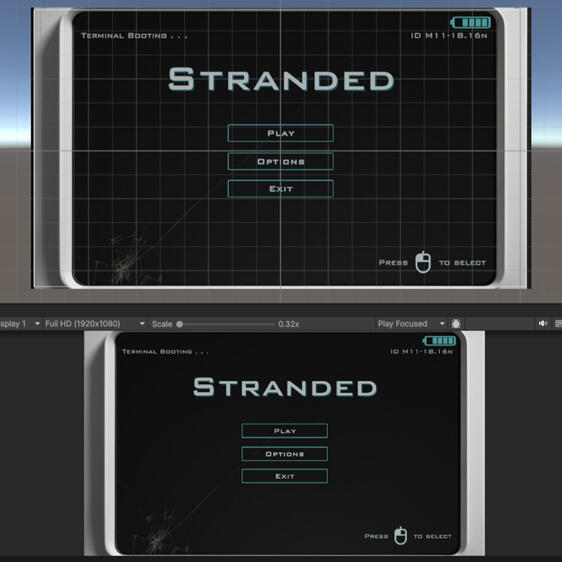
User Interface Development: Stranded
UI design - Unity - Concept design
Academic Projects
All Hands on Wreck
Design Challenge: Form a Game Development Studio, create a development plan to finish a vertical slice demonstration, design brand identities, and plan marketing strategies to support the release of your game.
Team Size: 7
My Role: Project Manager & Commercial Lead
Timeframe: 3 months
Gameplay design and technical documentation.
Level design and environment planing.
Agile project management and team coordination.
Boat movement controls and physics implementation
C# gameplay programming
Studio identity and game branding

main menu

level design

level design

boat snap points

studio branding

game branding


Project Outcome
Over the three-month development period, our team established a game development studio, developed the core gameplay experience and produced a vertical slice demonstration. The project brought together gameplay programming, level design, branding and production management into a playable experience.
Development Logs
>_ Implementing the boat physics system
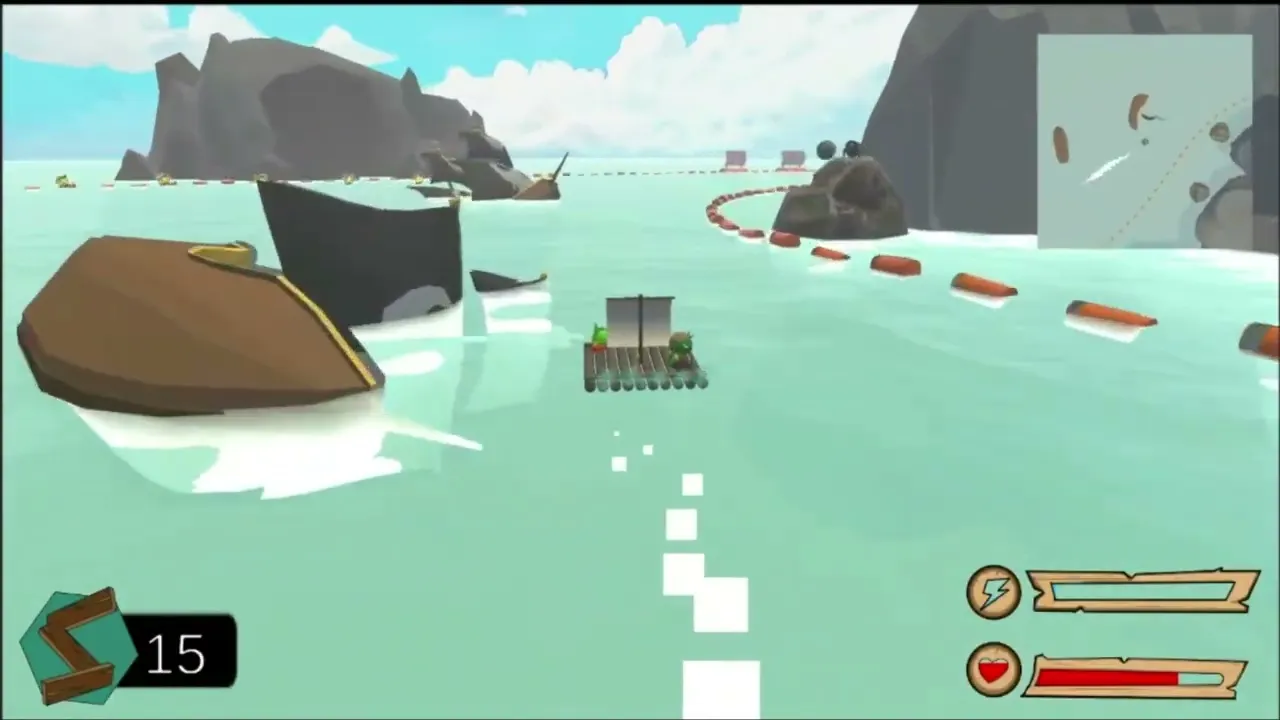
An early development milestone demonstrating the first successful implementation of water physics and buoyancy on the player-controlled boat.
This marked the beginning of testing and refining the boat's movement behavior.

>_ Developing enemy AI and targeting behaviour
I coded our enemies to follow and attack the player position when entering a designated area. Player was positioned within that area for testing and adjustments to cannon fire power and trajectory was carried out.

>_ Final vertical slice and gameplay demonstration
This video was used for our VSD (vertical slice demo). It shows the final complete game and the player (me) doing a complete lap around the track.
Full Gallery

planning phase

island generation

island generation

island generation

adding details

adding details

adding details

level design concept
level design

level design
level design
boat snap points

modelling
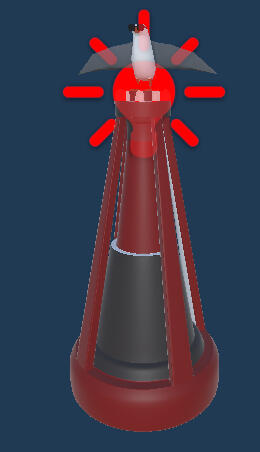
buoy lighting
main menu

score screen

currency icon
studio branding

b&w studio logo icon

studio logo variant

studio logo icon light
studio icon logo dark

studio logo alt

social media banner
game branding

game logo full

game logo icon

b&w game logo dark
b&w game logo light


Character Modelling: Amity Blight
Overview: This 3D character modelling project focused on recreating Amity Blight from The Owl House.
I began by producing a character reference sheet before developing the 3D model using box modelling techniques.
Software Used: Adobe Photoshop, Autodesk Maya 2025
Future Development: Planned improvements include texturing, rigging, and animating.
Character reference sheet creation.
3D character modelling
Maintaining consistent topology
Suitable edge flow practices
Model alignment and proportions
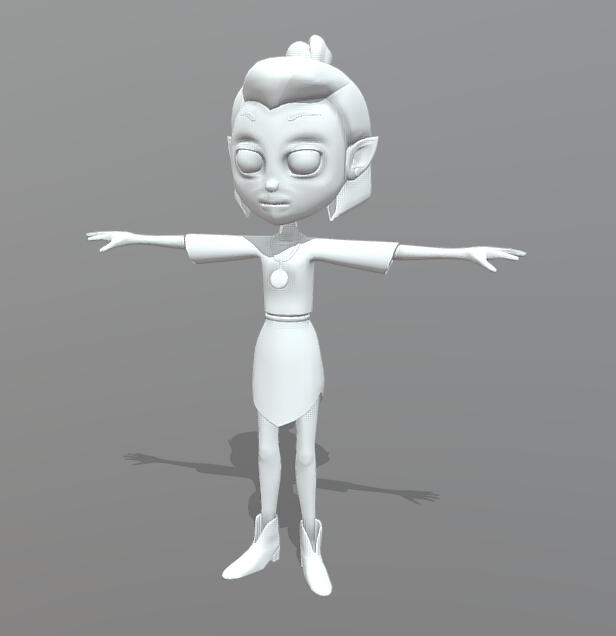

character sheet

early blockout

early model

alignment
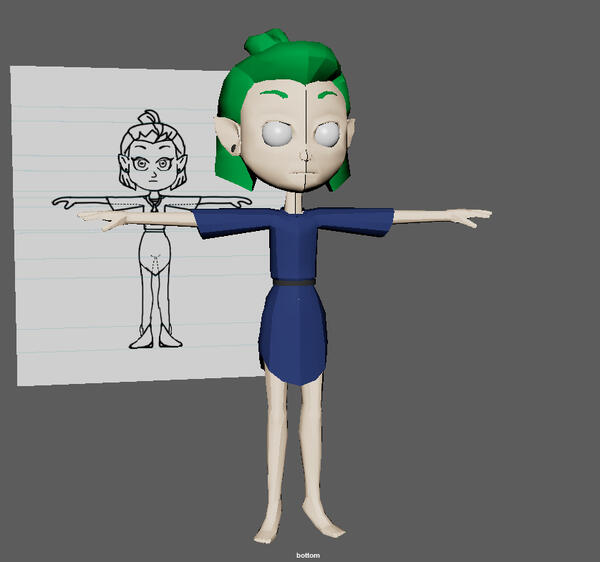
assigning materials

wireframe

wireframe

wireframe
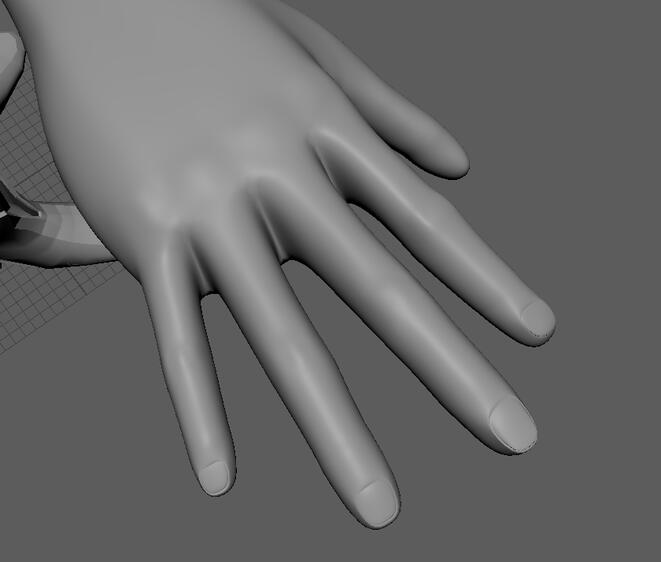
hand details
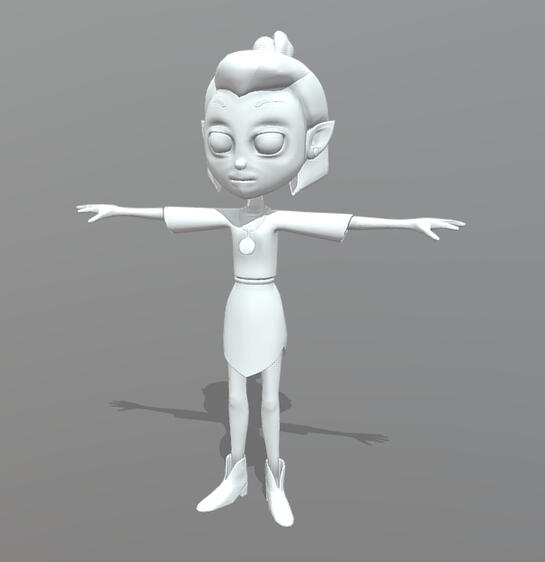
final model


Game Development: 3D Shooter
Design Challenge: Working off of the brief "shooting targets on platforms of various heights", I designed a pirate themed cannon shooter game using Unity Engine 5. The player travels a set course shooting at barrels located on islands.
Team Size: 1
My Role: Developer
Timeframe: 3 months
Future Development: Future scope for this game would be to include random barrel spawning and allowing the player to control the ships movement.
Full concept design to engine implementation
Used 3D level block out techniques
Implementing game mechanics and programming in C#
Created a functional game design document to track development

main menu

gameplay

gameplay

loss screen


Project Outcome
.
Development Logs
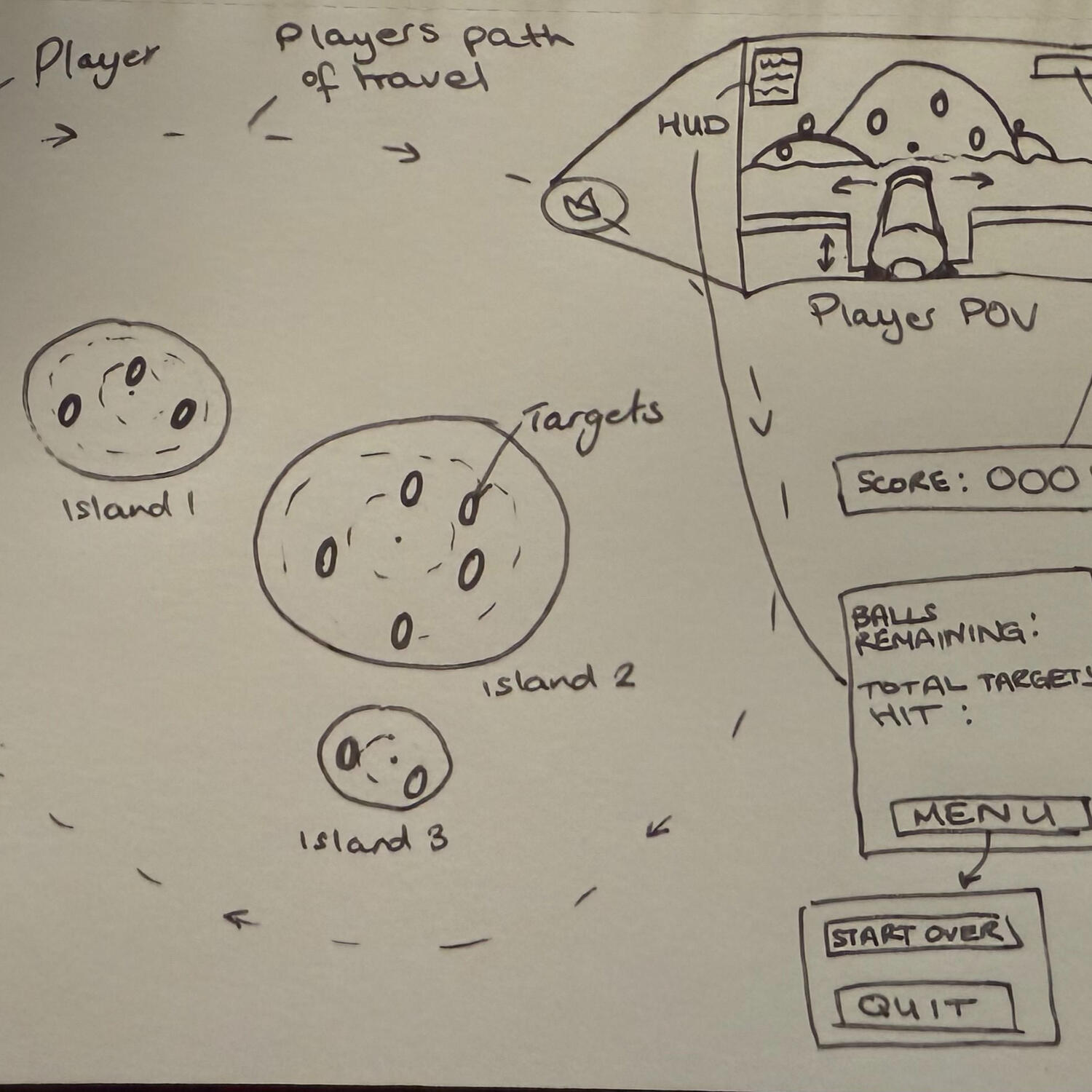
>_ First concept sketch
I came up with the idea to place the player on a moving object that would circle 3 islands with targets to shoot at.
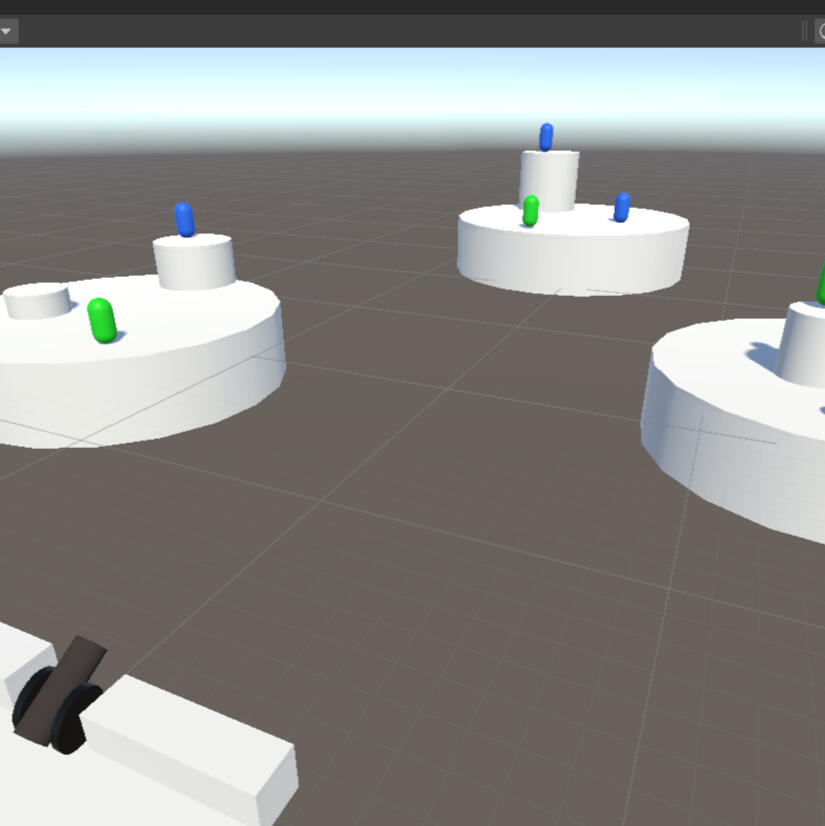
>_ Blocking out the level
Moving on with my initial concept idea, I blocked out a simple cannon platform and some target capsules. Blue targets would give the player points and green targets would award the player more shots.
>_ Full development demonstration video
This video demonstrates and explains all implemented game mechanics and systems used during production.

User Interface Development: Stranded
Design Challenge: Design a user interface for a first-person game. Elements must include a health bar, pause menu, and a timer.
Team Size: 1
My Role: Designer
Timeframe: 3 months
Ideas phase: low-fidelity designs
Refinement phase: high-fidelity designs
Final phase: creating a game level to showcase usability
Research and study user interface theory to support design decisions
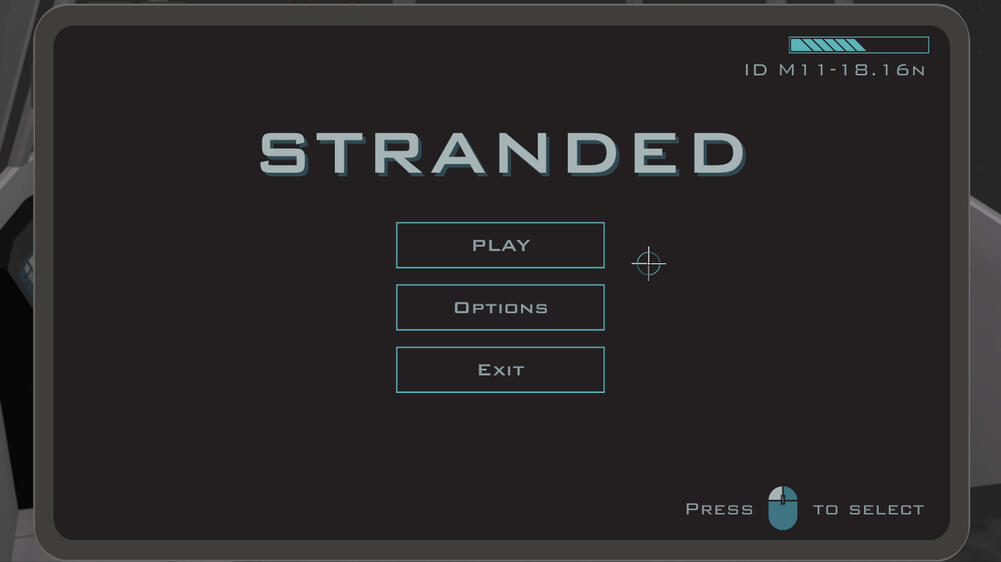
main menu

hud & pause

ship menu

game menu

game scene


Project Outcome
.
Development Logs
>_ Low-fidelity creation stage
I began with drawing ideas for different interfaces in a notebook. Several different layouts were considered before finalising an initial concept and submitting for further development.

start screen

start screen (2)

settings

hud

inventory

spaceship screen

settings in-game

save & exit


>_ Using AI to assist with design
The use of AI was encouraged during this stage to help support the vision I had for the UI. I generated a tablet image to use for the background of my in-game menu system, and I used AI to alter the image of a free asset modular ship.
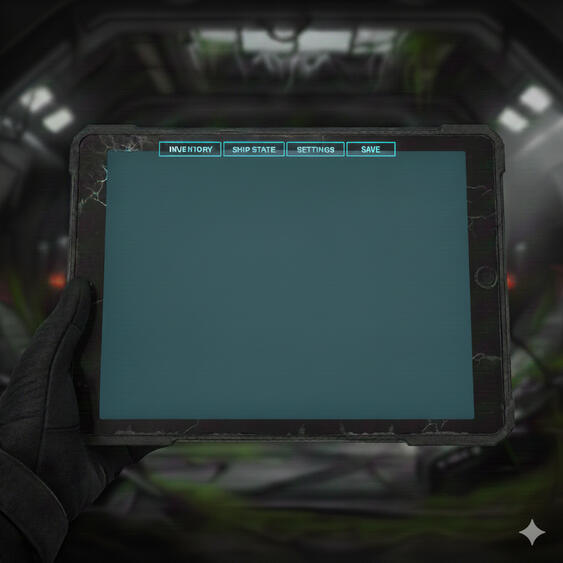
tablet

original screenshot

altered screenshot

final generation


>_ High-fidelity creation stage
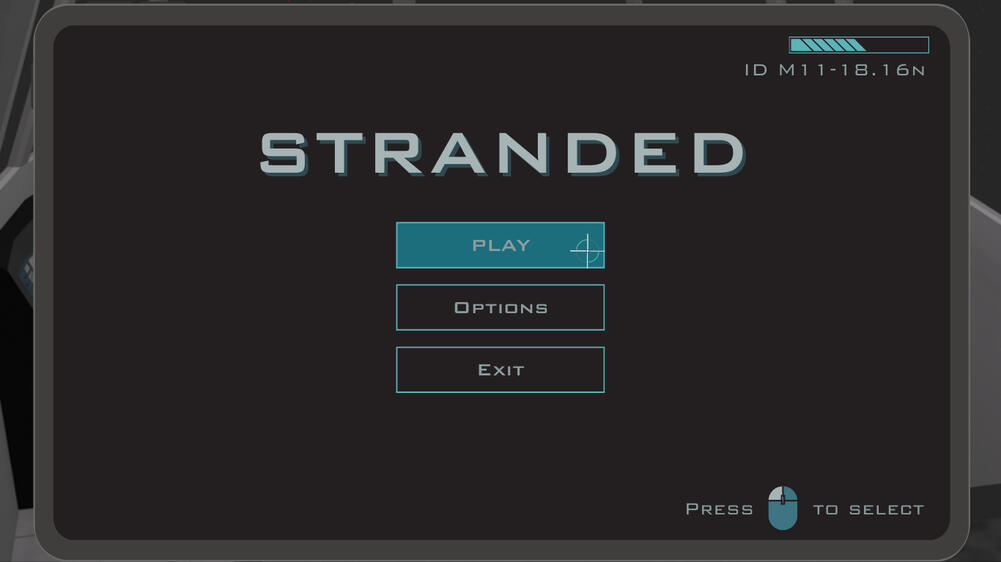
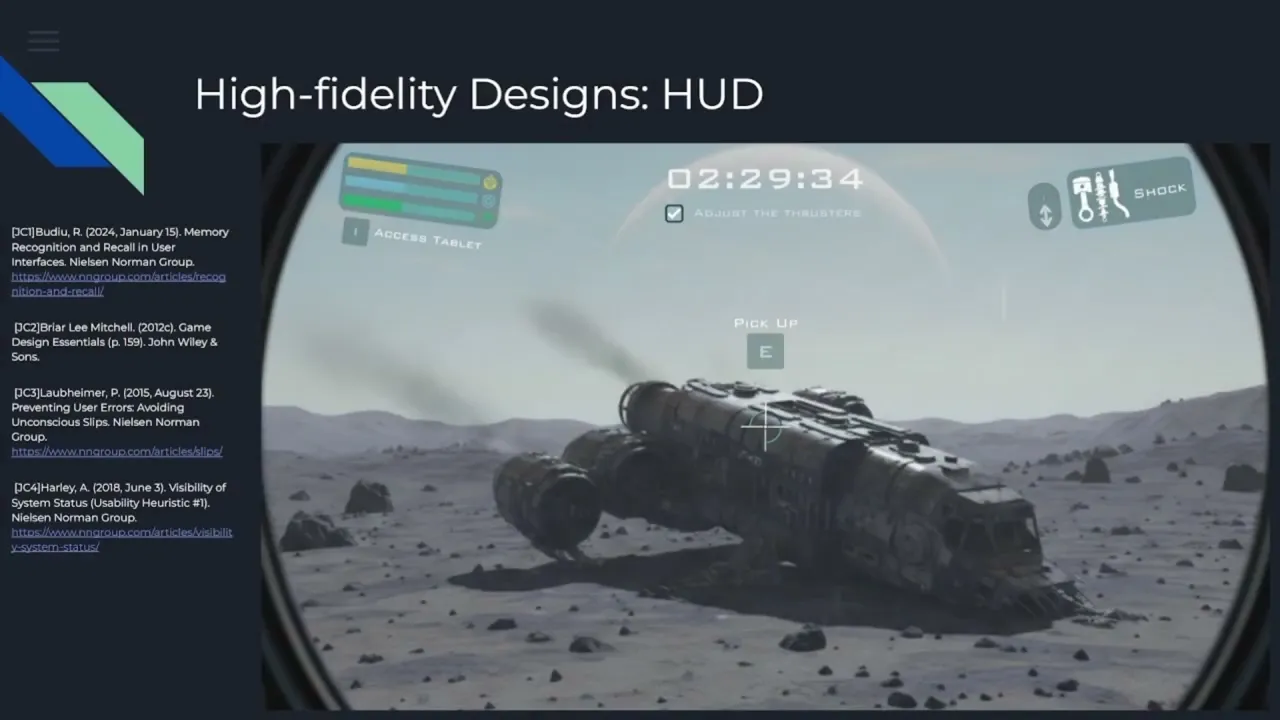
I used Canva to create detailed mock-ups of my chosen UI designs. Several scenario images were created to show how hovering over buttons would change their state, and how different actions react visually.

start screen
start screen (2)

settings

hud

inventory
spaceship screen

settings in-game

save & exit


>_ Implementing the assets in Unity
This video demonstrates and explains all research, theory connections, and design decisions as well as a full demonstration of the UI built in Unity version 2023.
Full Gallery
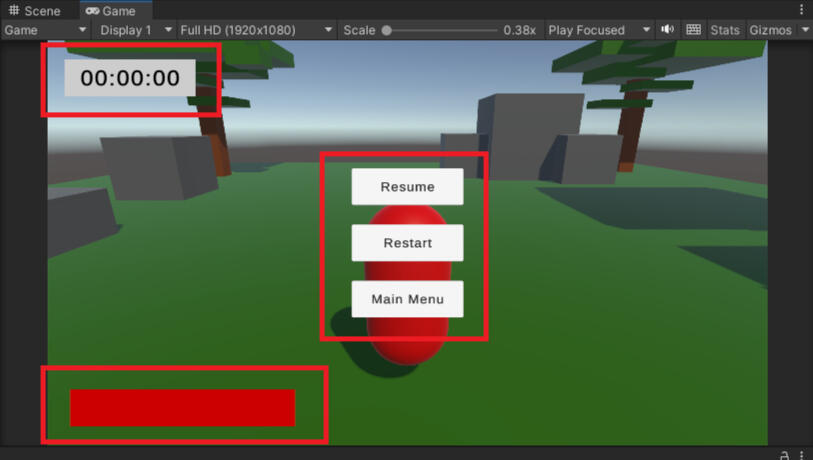
template scene
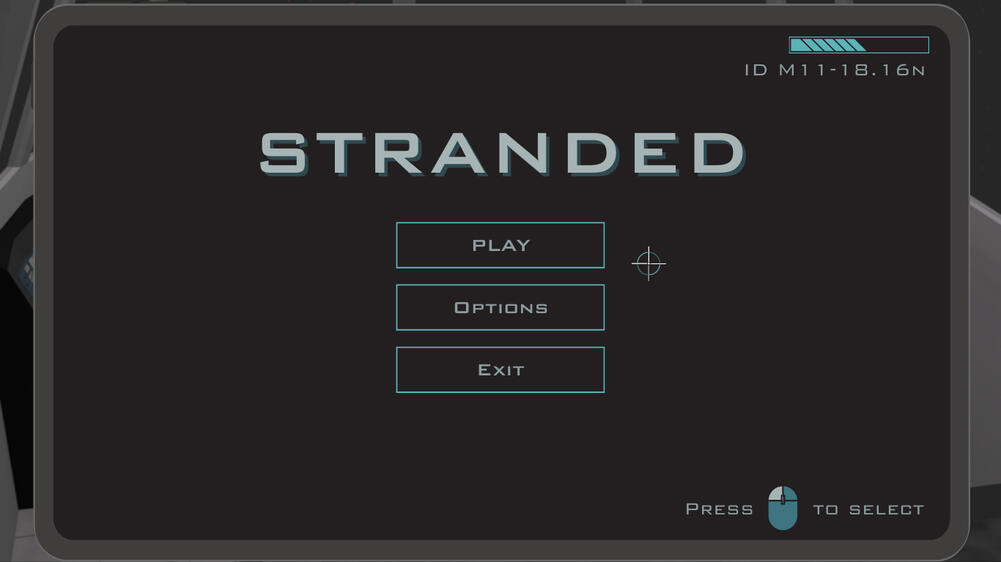
main menu

button hover
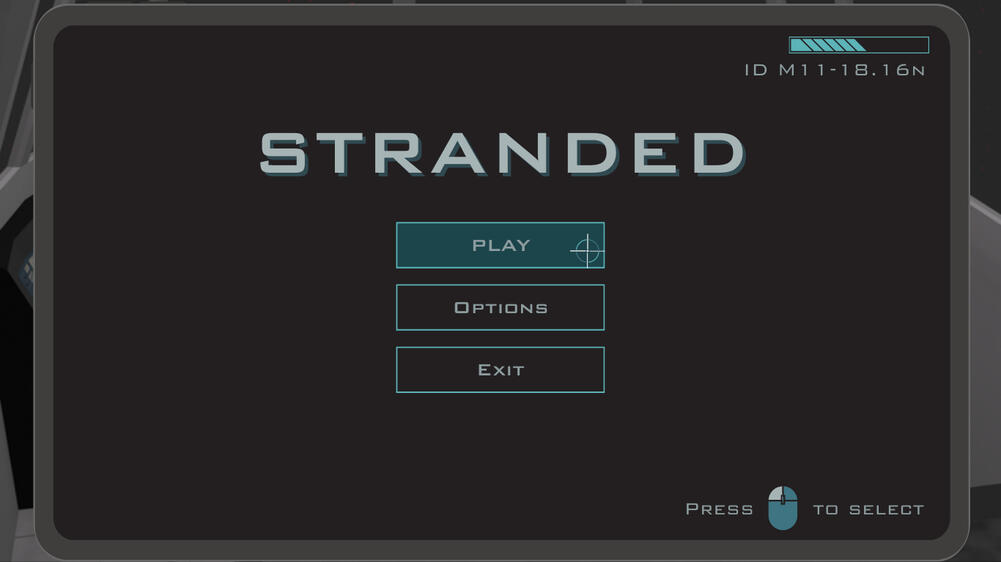
button click

settings
tab hover

dropdown hover
dropdown click
settings (2)
slider click
settings (3)

HUD
objective ticked
pause menu
button hover
button click

inventory

inventory (2)
craft button hover
craft button click
ship state
settings
tab hover

dropdown hover

controls

save screen
button hover
button select
main menu
game scene


Individual Projects
Game Jam: Light the Beacon
Theme: "Only One"
Team Size: 1
My Role: Developer
Timeframe: 2 days
Idea: Light The Beacon is a 2D side-scroller platformer with randomly generated obstacles and only one input method (spacebar) made in Unity Engine 6.Created for a 100hr game jam, my partner and I took on the challenge with only 2 days to work with.
Added a parallax background
Implemented player movement controls and cameras
Programmed menus and UI elements in C#
Created random enemy and terrain generation in C#
Added damage and regeneration to player health
Created 2D animation sequences for the player and enemies

main menu

intro

start

gameplay


Project Outcome
.
Full Gallery

Title screen
Intro
Start
Gameplay

Parallax

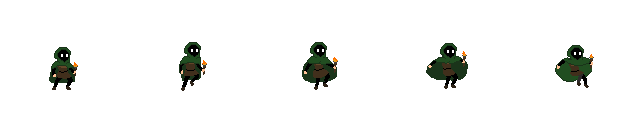
Running sprites
Jumping sprites
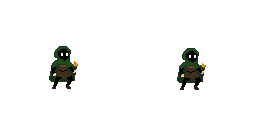
Idle sprites
title
beacon state 1

beacon state 2


Game Development: Project Viking
Overview: The game will follow a lost soul navigating a world between the living and Valhalla, attempting to find out how he came to be there, and what purpose he must serve.
Software: Unity
Development Plans:
Using Unity input control system (new), created basic player movement
Added controller support
Development Logs
>_ Designed and created player character
I designed and refined the main playable character using a sketch and AI to help get the details wanted. I then imported the image to Adobe Photoshop and started making the first character and weapon sprites.

concept

generation

creation

weapon sprite
character sprite


Full Gallery

concept

generation
creation
character sprite
weapon sprite

engine concept
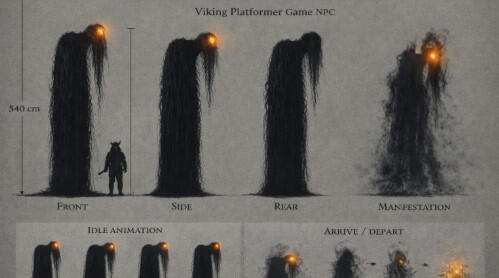
enemy concept


Game Development: Cosy Duck Cafe
Overview: You will play as a human running a café in this cosy simulation management game. The only catch is every one of your customers are ducks and there's a weird void in your basement...
Team Size: 4
My Role: Project Manager, Director, Technical Coodinator
Development Plans: We plan to continue developing this game after graduation.
Using Untiy input control system (both) and C# scripting
Created game design documentation
Assisted in story and narrative direction
Development Logs
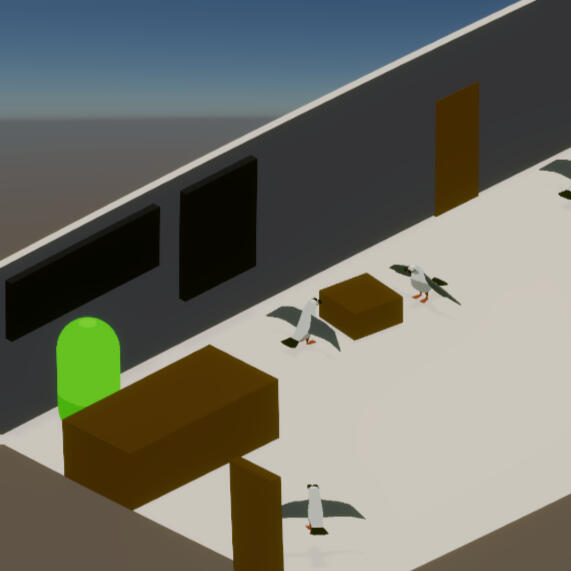
>_ Creating a level block out
I created a basic block out of the level, using some models used in a previous project to map out some locations and work with scaling.
>_ Inventory Management
A basic inventory system was created allowing items to be added, stacked and moved by dragging and dropping.

>_ Picking up and dropping items
The inventory system was edited with the ability to pick up targeted items and then dragging and dropping those items back into the level. A colour change on hover was added to reflect interaction.

>_ Adding Navmesh
I added a player navmesh. I then configured mouse inputs to allow character movement to where the player clicks.

>_ debugging navmesh and inventory
Character movement was now fully responsive and collisions stabilised. Ray casting still had some issues when placing objects but have since been rectified. Items can now be fully picked up, added to the inventory, stacked, and dropped back into the world.

Full Gallery

concept

block out

duck model


